Prepare a Sample Application(EC2)
Please follow these steps to create a Blade version operating environment using Amazon EC2.
Preparing the Sample Application
EC2 creation parameters
| Item | Setting |
|---|---|
| AMI | Amazon Linux 2023 AMI |
| Key pair | Create a new key pair for each terminal so that keys can be distributed |
| Subnet | Place in a public subnet |
| Auto-assign public IP | Enable |
| Allow HTTP traffic from the internet | Check this option |
| Storage configuration | 20GB |
info
To access an EC2 instance via SSH, inbound traffic on port 22 (SSH) must be allowed.
Connect to EC2 using Session Manager or SSH For SSH:
chmod 600 xxx.pem
ssh -i xxx.pem ec2-user@[EC2's global IP]
Commands to execute on EC2:
sudo su -

# Install docker
dnf update
dnf install -y docker
systemctl start docker
systemctl enable docker

# Install docker compose
mkdir -p /usr/local/lib/docker/cli-plugins
curl -SL https://github.com/docker/compose/releases/download/v2.21.0/docker-compose-linux-x86_64 -o /usr/local/lib/docker/cli-plugins/docker-compose
chmod +x /usr/local/lib/docker/cli-plugins/docker-compose

# Install git
dnf install -y git

# Get tutorial materials
git clone https://github.com/saasus-platform/sampleapp-basic-chat

# Build tutorial materials
cd sampleapp-basic-chat/php/laravel
./init.sh

# Address insufficient permissions for storage directory
chmod -R 777 api/storage/
After executing the above commands, try accessing the following URL
URL: http
Authentication Email:
Password: password
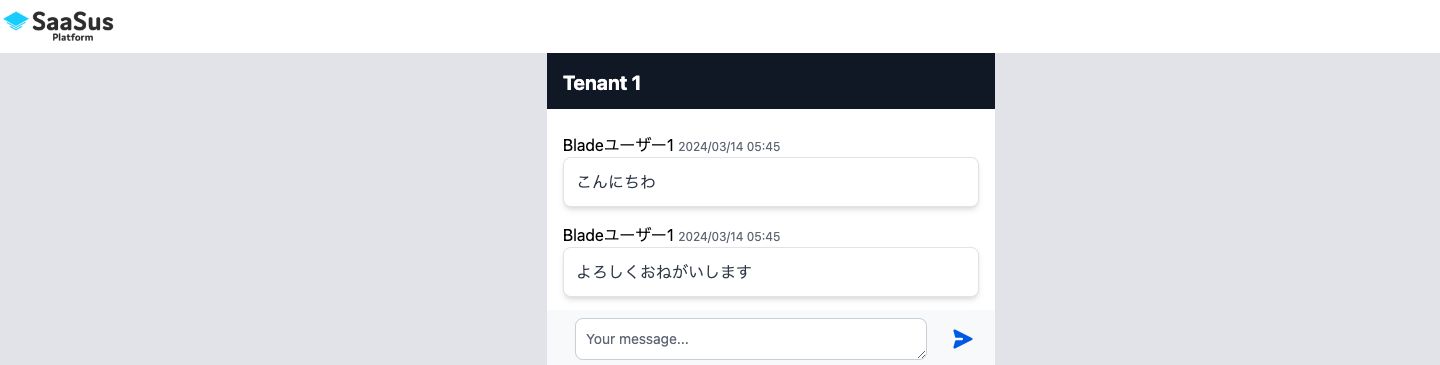
In this way, users can freely write messages.