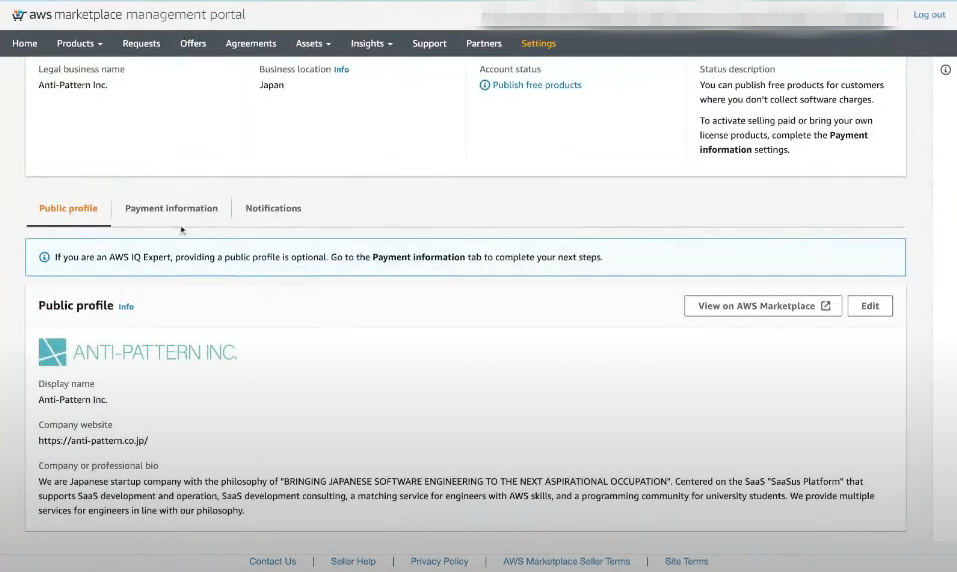
Public profile Setting Guide
The AWS Marketplace integration specification changed in June 2026. Because this feature (listing on AWS Marketplace) does not yet support the new specification, listing can no longer be completed with this procedure, and new usage has been suspended.
We will let you know the timing of resumption once a plan to support the new specification is in place.
For the latest listing process and procedures, please refer to our new service guide site (https://docs.deshima.cloud).
After seller registration, log into the AWS Marketplace Management Portal and set your Public profile.
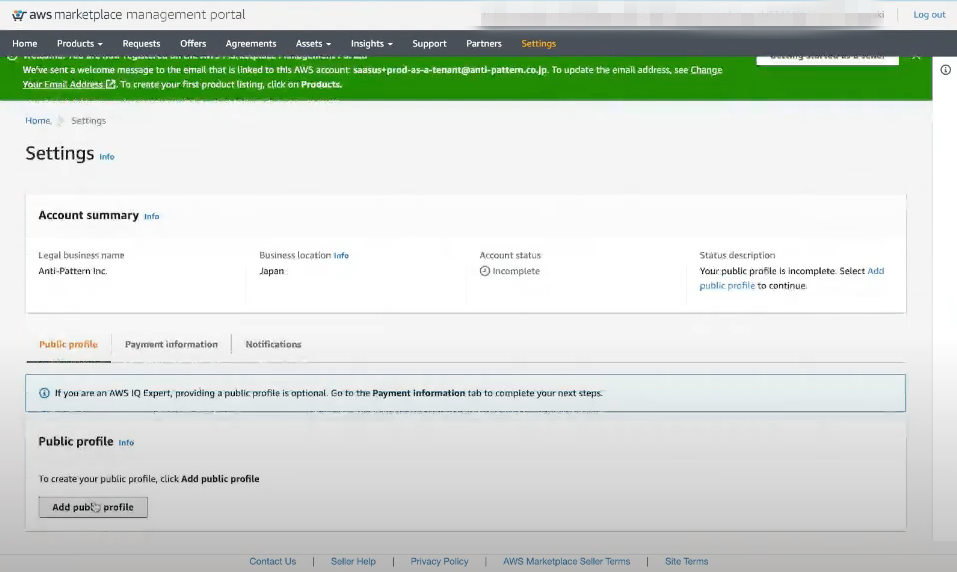
Please start the settings from Add public profile under Settings.
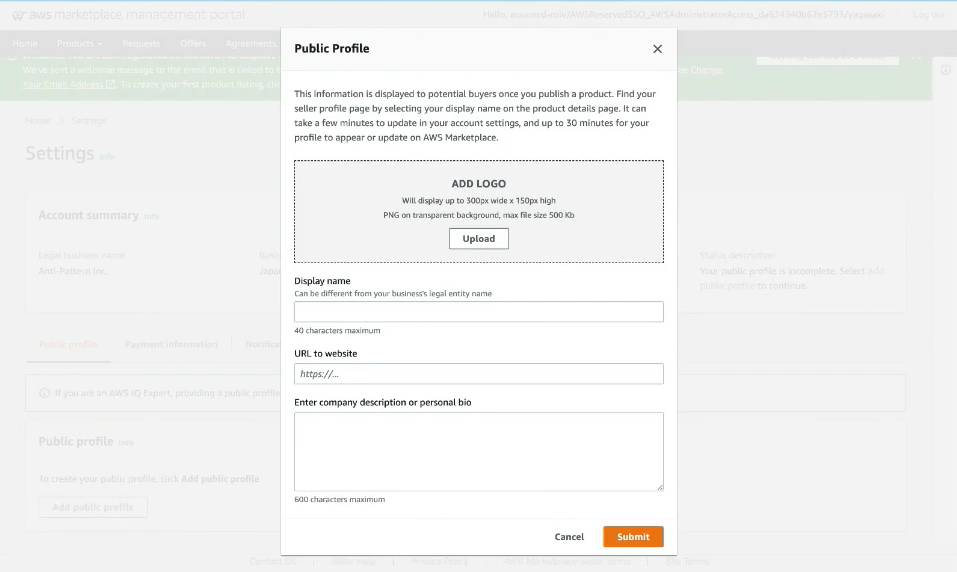
The information configured here will be the company information (Public profile) published on AWS Marketplace.
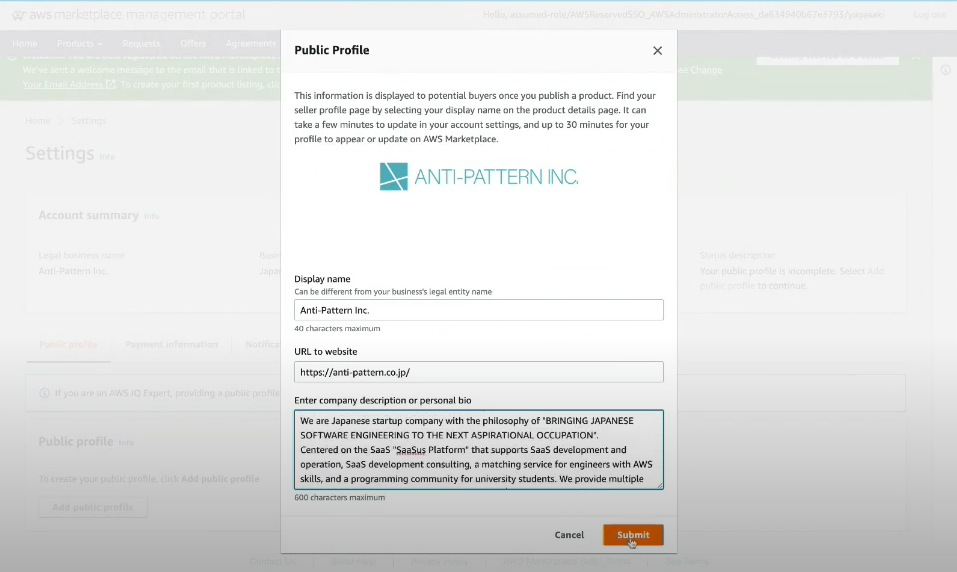
After setting the company information, press the Submit button to configure.
After completing the Public profile settings, please start setting up your bank account.