Step 1: Provide Product Information
The AWS Marketplace integration specification changed in June 2026. Because this feature (listing on AWS Marketplace) does not yet support the new specification, listing can no longer be completed with this procedure, and new usage has been suspended.
We will let you know the timing of resumption once a plan to support the new specification is in place.
For the latest listing process and procedures, please refer to our new service guide site (https://docs.deshima.cloud).
Next, you'll enter the information necessary to publish the SaaS product.
Please proceed with entering the following information:
Product title:
- During the test phase: Test Product (Your SaaS Product Name)
- During the production phase: Your SaaS Product Name
In the test phase, please input the title as "Test Product (Your SaaS Product Name)". This is necessary to distinguish it from the production version.
SKU: Unique string to distinguish products on the AWS Marketplace Management Portal
Product logo S3 URL: Product logo URL
Short description: Product overview
Long description: Product description
Product video URL: URL for product introduction video etc.
Highlight 1-3: Features and characteristics to be included on the product page
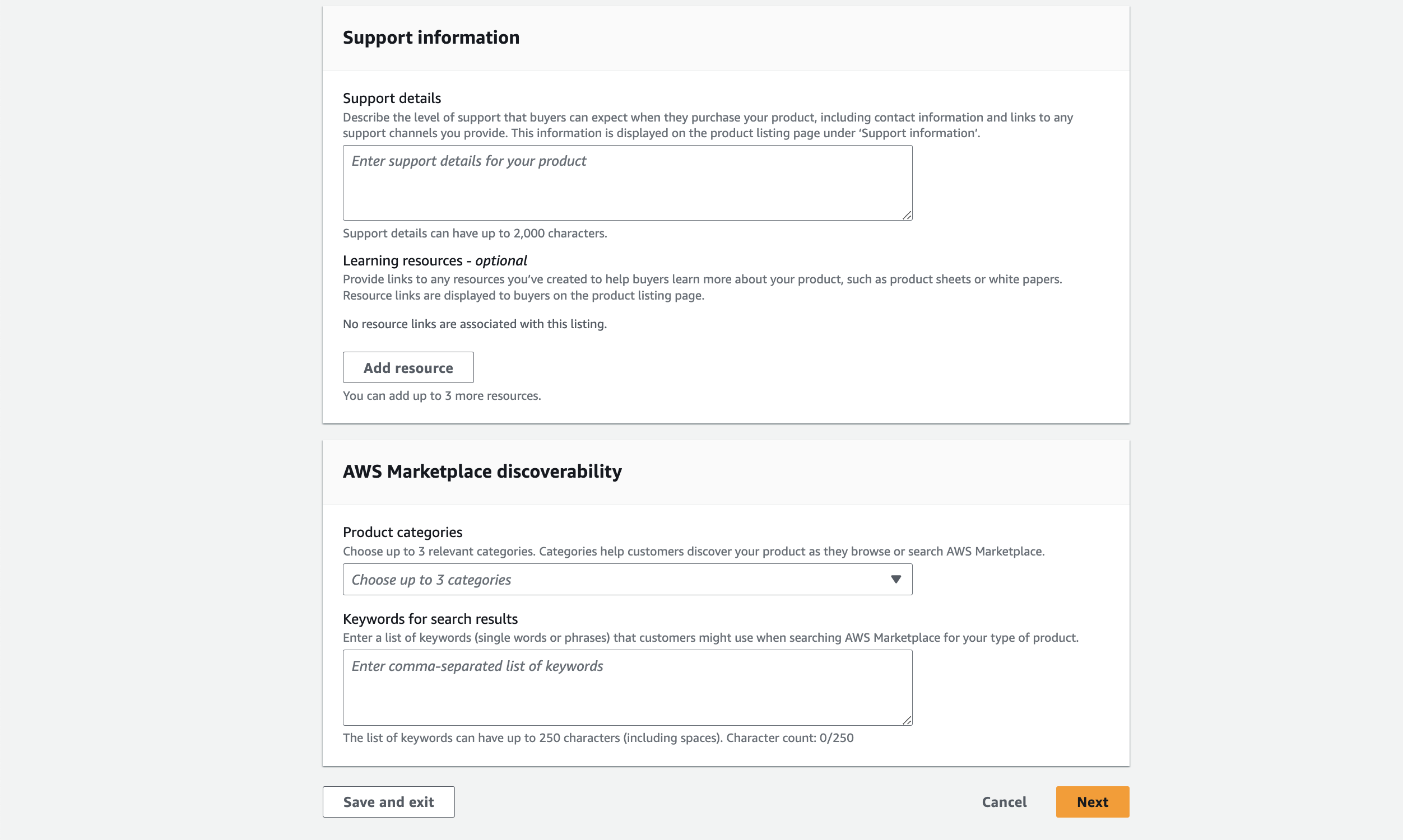
Support details: Information about product support
Product categories: Product category information, used when category searching on AWS Marketplace
Keywords for search results: Product search keywords, used when searching on AWS Marketplace
After entering the product-related information, click Next to proceed.